Waterfall enrichment on the exports you already have
Drop the CSV files from Apollo, Lusha, Kaspr, Cognism or any other provider. Get one deduplicated list with the best number for every contact, the mobiles you gain by merging, and the ones you paid for twice.
Your own waterfall, for free
Your provider exports
2 to 5 files: CSV, XLSX, or the raw download from each tool. Nothing leaves your browser.
A waterfall you run on your own exports
Waterfall enrichment means asking several data providers in turn for the same contact, and stopping at the first one that finds a phone number. Tools such as Clay, FullEnrich or Zeliq sell it as a service: they query the providers for you and bill credits. We compared them in our guide to the best waterfall enrichment tools.
Many teams already pay for two or three providers, though. An Apollo plan for the volume, Lusha or Kaspr for the LinkedIn extension, Cognism for Europe. The data is there, spread across several CSV files with different columns. This tool does the last step: it matches the people across those files, keeps the best number for each one and tells you what every subscription actually contributes on your list.
Why not just merge the lists in Excel?
A VLOOKUP on the email column is how most teams merge contact lists, and it misses most of the overlap. One provider returns JSMITH@ACME.COM, another j.smith@acme.com, a third has no email at all but the same LinkedIn profile with a tracking parameter. Excel also strips the + from international numbers and turns long ones into 3.36E+10, so the phone you were trying to keep is already damaged when the lookup runs.
Then comes the real question a lookup cannot answer: when Apollo says one mobile and Lusha another, which one goes in the dialer? This tool links rows on four keys in order of reliability, refuses the matches that look like two different people, checks every number against its country’s numbering plan and ranks them. The spreadsheet afternoon becomes a few seconds, without the silent errors.
How contacts are matched across files
Each provider names its columns its own way, so the tool first reads every file by its headers: a known export is recognized from its file name and a handful of typical columns, anything else from usual column names (“Mobile Phone”, “Direct Dial”, “Phone 1 Type”…). You can correct the provider and every column before merging.
Then it links the rows that describe the same person, from the most reliable key to the least: the LinkedIn profile, reduced to its public identifier (case, “www”, tracking parameters and Sales Navigator links ignored), the email address, then first name, last name and company domain, and only then first name, last name and company name with legal forms such as Inc or Ltd removed. Shared addresses like info@ or sales@ never link two people, and accents do not matter: José and Jose are the same person.
Look-alikes are kept apart on purpose. An address carried by two people with different names (a team inbox, or a guessed tschmidt@ given to two Thomas Schmidts) links nobody, and neither does a name and company shared by two different LinkedIn profiles. Common nicknames still match: Bob Walker and Robert Walker with the same email are one person. A duplicate you can see in the dialer costs less than a mobile attached to the wrong person.
Going further: the best waterfall enrichment tools, compared.
The best-number rules, in plain words
A provider’s label is a starting point, not the truth. Each number is checked against its numbering plan and against the other files.
- 1
A real mobile stays a mobile
In most countries the number itself says whether it is a mobile: a French 06 or 07, a UK 07, a German 015 to 017. So an export with no labels, like Kaspr’s, still counts its mobiles. In the US and Canada the number does not say, so the provider’s label is the only clue and is kept; an unlabeled US number stays “unlabeled”, never guessed.
- 2
A “mobile” that is a landline is demoted
A London 020 number labeled mobile is moved to direct line, and counted against the provider in the red flags.
- 3
A number shared by colleagues is a switchboard
When the same number appears on several contacts, it rings a reception desk, whatever the provider called it.
- 4
One file says HQ, all files agree
If any file labels a number as the company phone, it is treated as a switchboard everywhere, including in files that sold it as a direct dial.
- 5
Toll-free numbers go last
800, 0800 and premium-rate numbers are never a person’s line.
- 6
Agreement breaks ties
Between two mobiles, the one confirmed by more providers goes first. When two providers disagree, both numbers are kept and the contact is flagged.
How to export contacts to CSV from each provider
Export with every column you have, phone types and LinkedIn URL included: the more context the file carries, the better the matching. Steps checked in each help center in November 2026; menus move, so follow the link if a step has changed. The badge says how sure we are of the column names: no provider publishes the exact header row of its CSV.
-

How to export contacts from Apollo.io to CSV
DocumentedSearch > People, select contacts, then Export. The file lands in Settings > Imports & Exports > CSV Exports. “Edit export CSV settings” chooses the columns: keep Mobile Phone, Work Direct Phone, Corporate Phone and Person Linkedin Url. Phone values start with an apostrophe ('+1 415…), which the merger strips.
Exporting does not reveal new emails or mobiles by itself: reveal them first. An address that was never revealed is written email_not_unlocked@… and is ignored for matching.
Apollo.io help center -

How to export contacts from Lusha to CSV
DocumentedFrom Prospecting, select revealed contacts and export to CSV. Each phone comes with its own type column (Phone 1 and Phone 1 type, Phone 2 and Phone 2 type), next to Work email, Direct email and LinkedIn URL. The tool reads the type of each number from that column.
Up to 150 contacts per export from Prospecting; the download link is emailed and expires after 24 hours. Only revealed contacts are included.
Lusha help center -

How to export contacts from Kaspr to CSV
Partly documentedIn the Leads tab, tick the leads or use “Export all”, then choose CSV or Excel. Kaspr does not publish its column names, and phones may come without a mobile or landline label: European mobiles are still recognized from the number itself.
One export credit per enriched profile. On the free plan, only the 10 most recent leads can be exported.
Kaspr help center -
How to export contacts from Cognism to CSV
Partly documentedExport from Prospector or the Chrome extension to CSV. An admin chooses which columns the export contains: make sure the mobile, direct and HQ phone columns and the LinkedIn URL are switched on. Filter on Mobile or Direct Dial first if you only want callable contacts.
Exports are capped per user: 25 records at a time and 2,000 a month, per Cognism’s help center.
Cognism help center -

How to export contacts from ZoomInfo to CSV
Seen in real exportsExport the selected contacts from search or a saved list. ZoomInfo does not publish its export columns; real exports carry Direct Phone Number, Mobile phone, Company HQ Phone and LinkedIn Contact Profile URL, which the tool types as direct line, mobile and switchboard.
Third-party guides report that credits are taken when you reveal or export a contact: export each person once.
-

How to export contacts from FullEnrich to CSV
Partly documentedRun a CSV enrichment, then use Download on the results screen. The enriched data is added in new columns on the far right, suffixed “(FullEnrich)”, such as Email (FullEnrich).
A miss costs nothing; a mobile costs 10 credits and a work email 1, per FullEnrich’s own guide.
FullEnrich help center - P
How to export contacts from Prospeo to CSV
DocumentedReveal the contacts or run a CSV enrichment with “Enrich mobile”, then export to CSV. The export gives the mobile in several formats (Mobile, Mobile international format…) plus Company HQ Phone and Person LinkedIn URL.
CSV enrichment takes up to 20,000 rows; a mobile costs 10 credits and includes the email.
Prospeo help center -

How to export contacts from Zeliq to CSV
Partly documentedRun your file through the Enrichment Hub, then export the enriched list.
Zeliq itself queries several providers, Datagma and Prospeo among them: expect a large overlap with those two.
Zeliq help center -
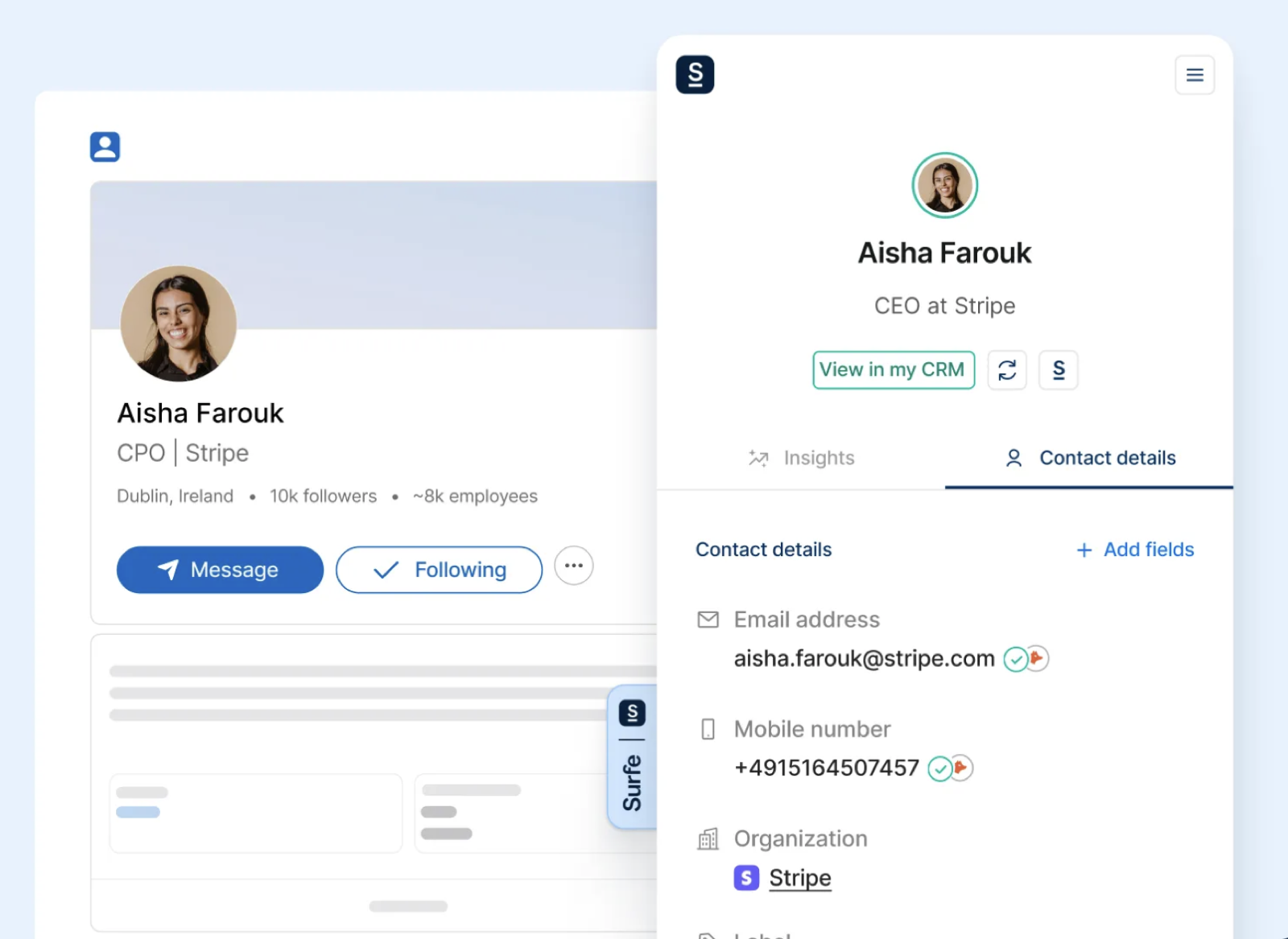
How to export contacts from Surfe to CSV
Partly documentedDownload the list from the arrow at the top of the list, or from My Lists.
Surfe warns that opening the file in Excel can strip the + sign or turn numbers into scientific notation. Drop the raw file here instead: both are repaired.
Surfe help center - D
How to export contacts from Datagma to CSV
InferredExport the enriched file from your Datagma dashboard.
No public documentation of the export columns: check the column mapping before merging.
How to read the report before your next renewal
-
Mobile hit rate
Share of the contacts in a file that come with a mobile. Compare providers on the same list, never on their marketing numbers: hit rates swing widely with country, seniority and industry.
-
Exclusive mobiles
The contacts only this provider could reach on a mobile. This is what you would lose by cancelling it. A provider with a high hit rate and almost no exclusive mobiles duplicates the others.
-
Order of the waterfall
Put first the provider that brings the most mobiles, then the one that adds the most of what is left. Revealing in that order means fewer credits spent on people you already have.
-
Agreement rate
When two providers both return a mobile for the same person and the numbers differ, at least one is wrong or outdated. A low agreement rate is a warning about freshness; call the number confirmed by more sources first.
-
Red flags
Mobiles that are landlines and switchboards sold as direct lines cost you a credit and a wasted call each. Note them per provider: they are the best argument in a renewal negotiation.
Mistakes that ruin a merge
-
Opening the exports in Excel first
Excel drops leading zeros and + signs and turns long numbers into 4.15E+09. Drop the raw downloads here: the tool repairs both, but a file saved after Excel rounded a number cannot be fixed.
-
Matching on names alone
Two Alex Martins at two companies become one contact with the wrong phone. Keep LinkedIn URLs and emails in every export.
-
Trusting the “mobile” label
Providers label numbers the way their sources did. Check against the numbering plan and against the other providers, as this tool does.
-
Revealing the same person twice
If two subscriptions both reveal everyone, you pay twice for the overlap. Reveal in the recommended order and only ask the next provider for the contacts still missing a mobile.
-
Dropping the source
Keep which provider gave which number. When a number turns out wrong after a call, you know whom to ask for a refund or a correction. The download keeps a “found by” column for that.
Call the mobiles first, in parallel
The merged file puts the best number in Phone 1. Import it into Skipcall and the parallel dialer calls up to four contacts at once, so the switchboards at the bottom of the list cost you seconds, not minutes.
See the parallel dialerBefore and after the merge
The tools and guides that go with it.
- Contact CSV Cleaner A file that went through Excel, broken accents, wrapped rows: clean it first or after.
- Direct Dial vs Switchboard Checker Class every number of a single list as mobile, direct line or switchboard, with the call order.
- Phone enrichment pricing What each provider charges per mobile, turned into a cost per conversation.
- Coverage by country Which provider finds mobiles where, next to the calling rules of each country.
- Which data provider? Eight questions to pick the providers worth testing on your market.
- B2B data decay calculator How many of the numbers you just merged will still work in six months.
- Phone number validator Check and format a plain list of numbers in E.164.
- Best waterfall enrichment tools Seven tools that run the waterfall for you, compared on coverage and price.
- B2B phone number enrichment Match rates by function, a 100-contact test protocol and the compliance side.
- B2B lead lists for cold calling Where calling data comes from and how to score a list before you dial it.
- Cold call connect rate benchmarks Why a list of mobiles connects more often than a list of switchboards, with the numbers.
- Best sales prospecting tools Where Apollo, Lusha and the other data tools fit in a prospecting stack.
Your files never leave your computer
Reading, matching and the report all run in your browser. No contact, number or file name is uploaded, stored or logged; the page keeps working if you go offline after it has loaded.
Exports from data providers hold personal data. Merging them does not change your obligations: keep a lawful basis for calling each person, honor opt-outs from every source, and delete the files you no longer need. In the US, calling mobiles comes with its own rules: see our guide to cold calling cell phones under the TCPA.
A calendar full of meetings starts with a call.
No commitment · Number live in 2 minutes


